
Reset Password
NOTE: Reset password functionality is for Commons and Department of State users only.
Users are required to reset their passwords after a defined time period. The system locks the account if the user fails to reset the password. Use this procedure to unlock these accounts.
-
To reset a user's account password, open the user's account in the Manage Accounts screen and click the Reset Password button
 located on the lower-right side of the screen.
 -
A confirmation popup opens. Click Close to close it.
-
When you complete the password reset, an email notification with a temporary password is sent to the account holder.
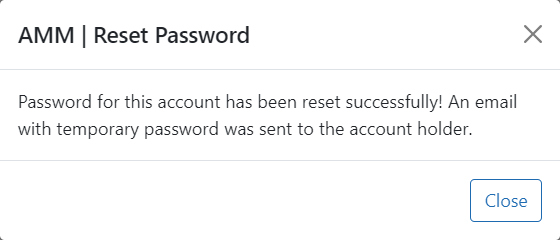
Reset Password confirmation popup
