
Click the hyperlinked grant title on the Institutional Training Support section of the Training Support & Summary to open the Editing screen.
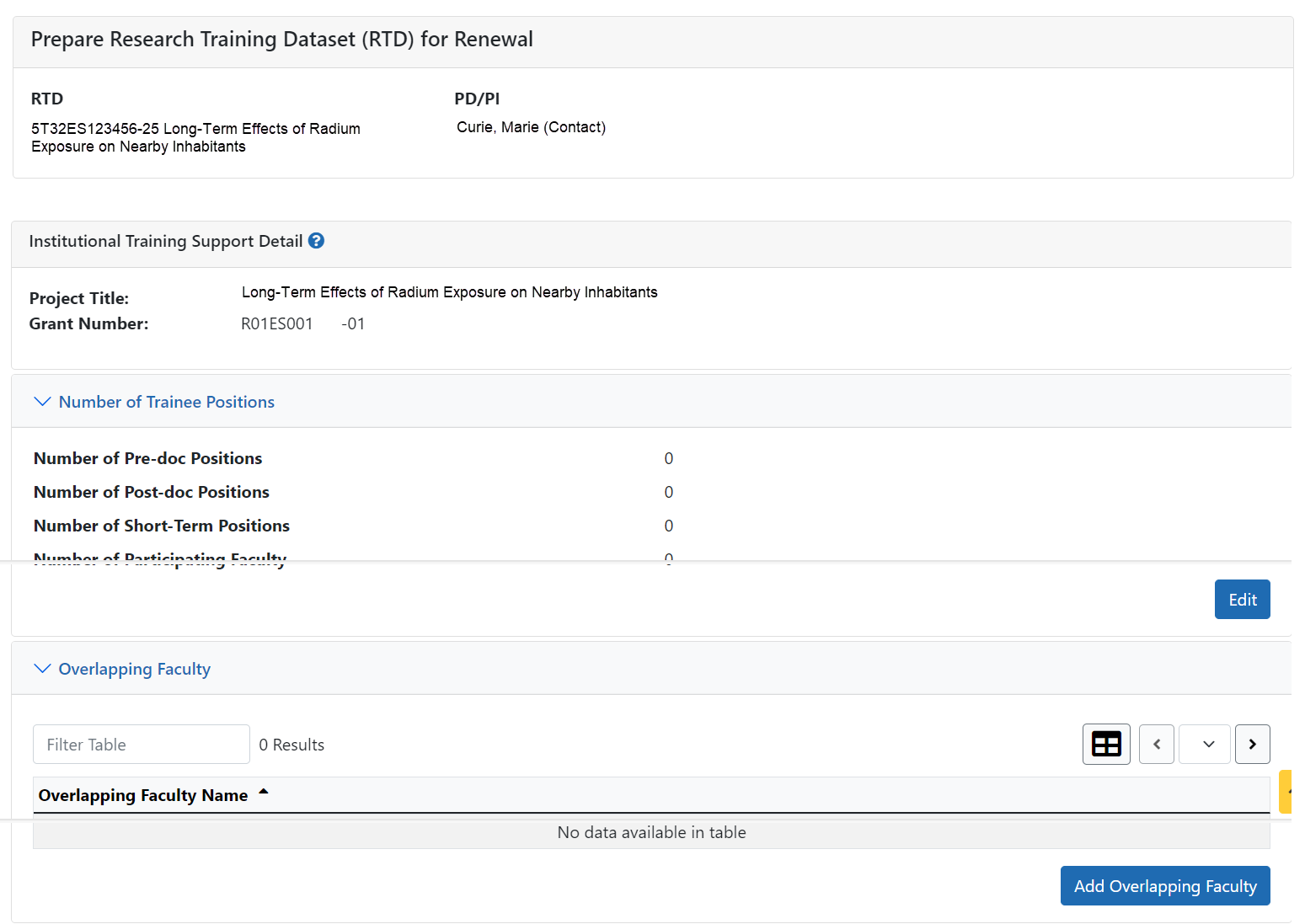
Number of Trainee Positions
Use this section to add the number of Predoc, Postdoc, Short-term, and Participating Faculty positions.
- Select the Edit button.
- In the Institutional Training Support pop up, enter the appropriate totals.
- Click the Save button.
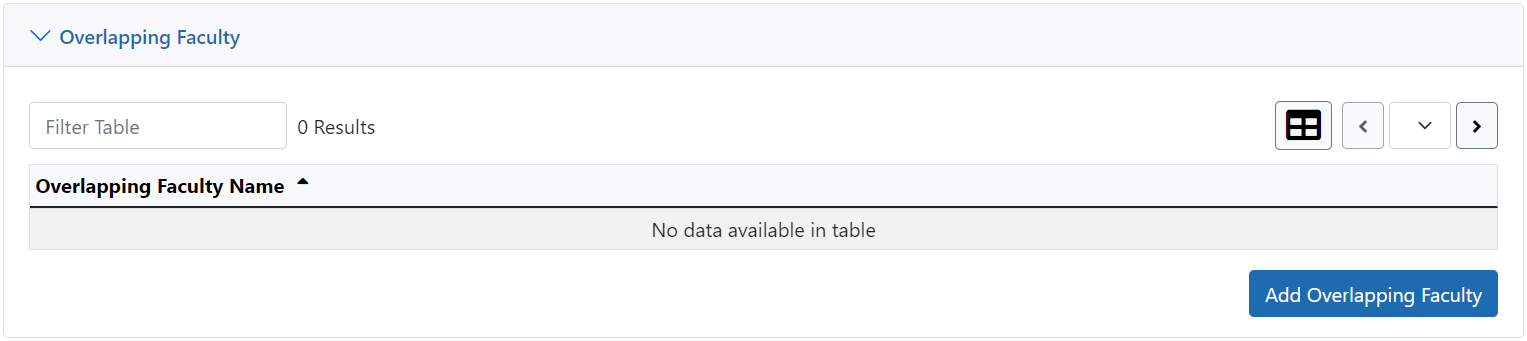
Overlapping Faculty
Use this section to update the number of overlapping faculty.
- Select the Add Overlapping Faculty button.
- Click the
 Add Overlapping Faculty button for any participating faculty members that are also on the Institution Training Grant.
 - Select the Close button.
The Overlapping Faculty Name displays on the Institutional Training Support Detail screen with the option to  Remove the overlapping faculty member. The updated total count of the overlapping faculty is calculated by system and is displayed as read-only.
 See Also