
Career Development Award Supplemental
For assistance with the information required on this form, please refer to the appropriate application guide on the How to Apply page.
For guidance on completing the form in ASSIST, refer to the steps below:
-
Attach the applicable sections using the Add Attachment buttons.
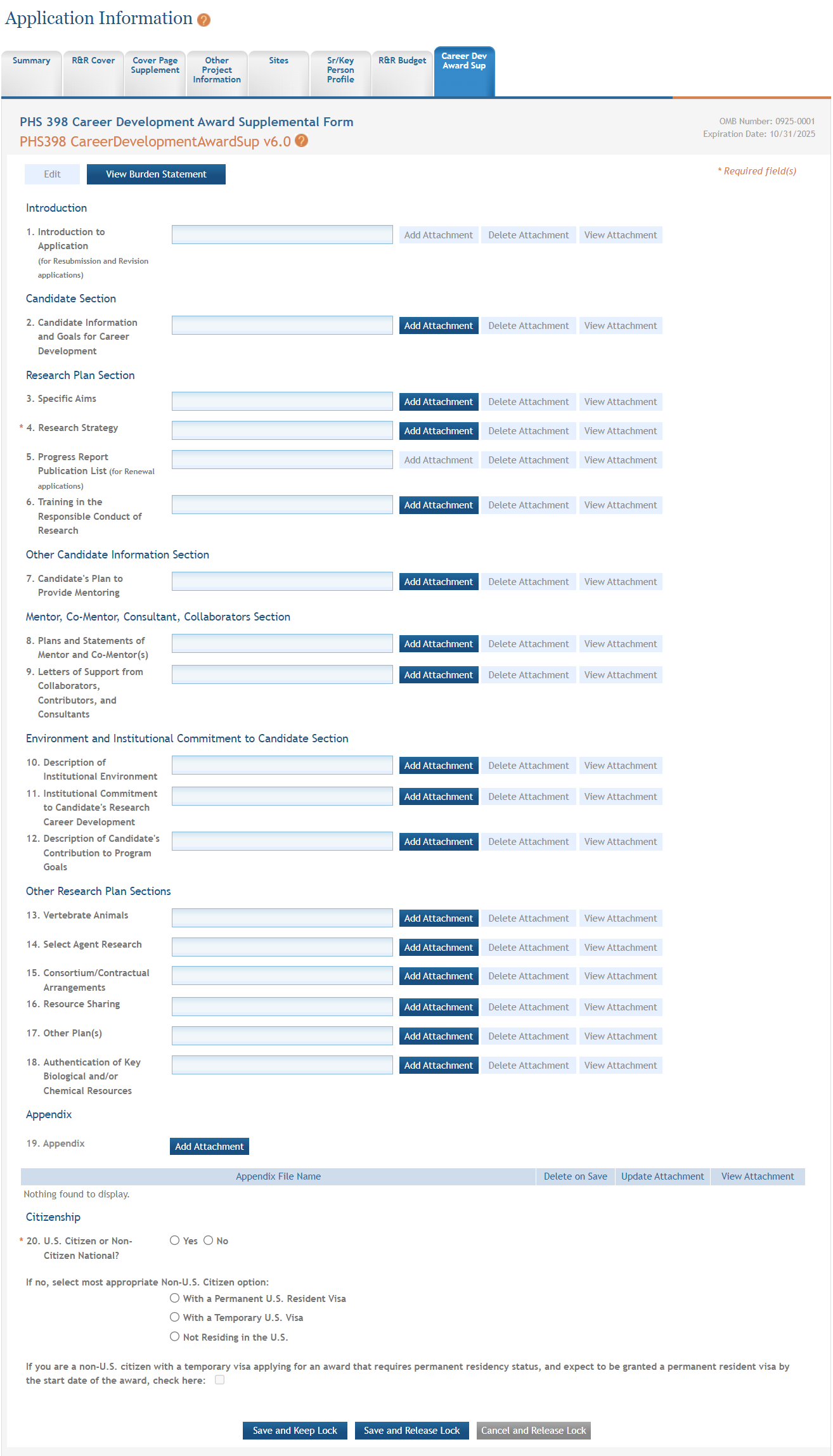
NOTE: If needed, use the Delete Attachment buttons to remove attachments or the View Attachment buttons to view them.
- To save the entered information, select the Save and Keep Lock button to keep the form open for further editing -or- select the Save and Release Lock button to close the form after saving.
 Select the Edit button to enable the form for editing.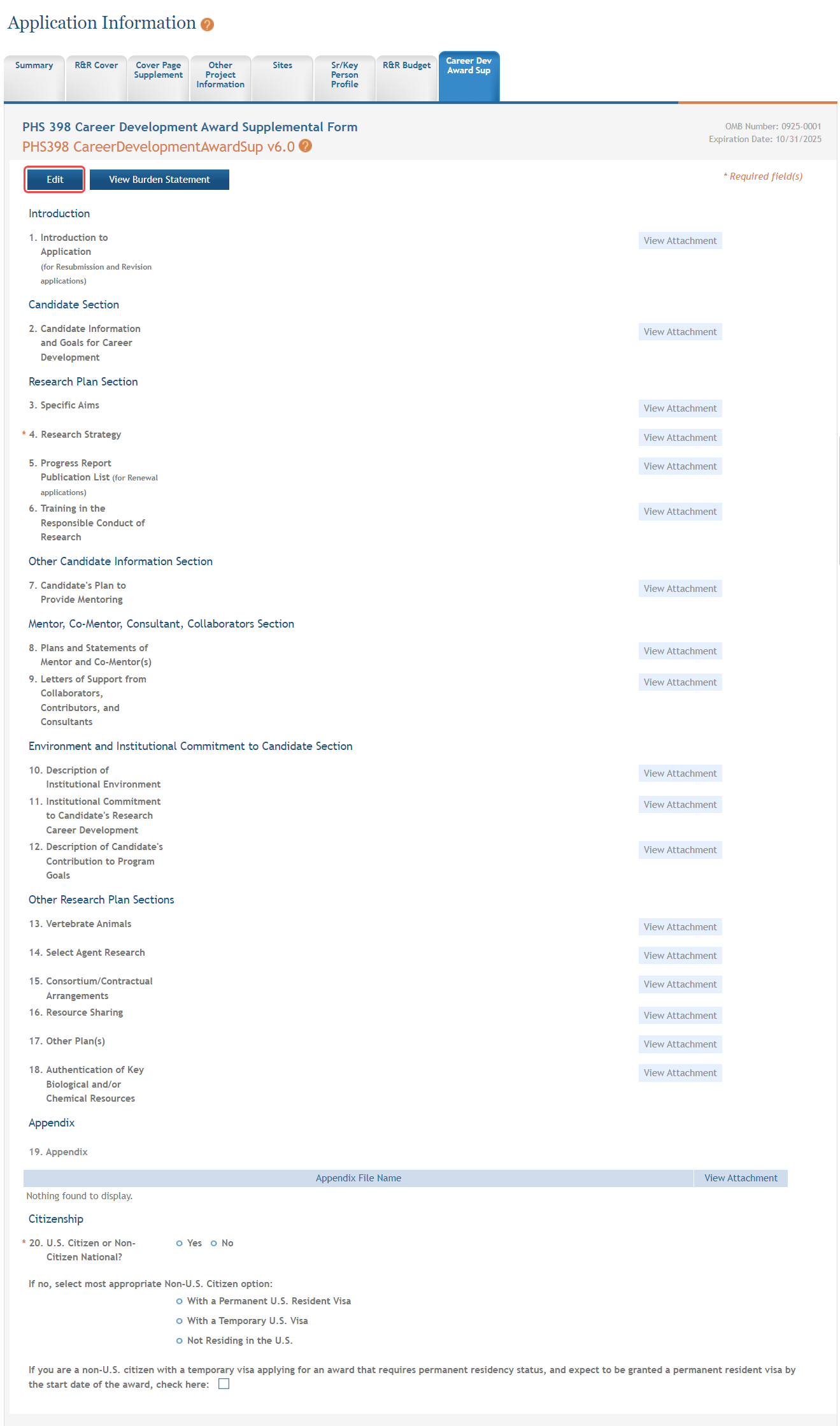
NOTE: Selecting the Cancel and Release Lock button - followed by the Continue button on the confirmation - returns the form to read-only and does not save any of the entered information onto the form.
